How I Built a 15,000+ Product Database for Under $1 Using Claude and DeepSeek
A non-programmer's workflow for turning a 500-page PDF catalog into a structured product database using Claude and DeepSeek. Real costs, real limitations, real results.
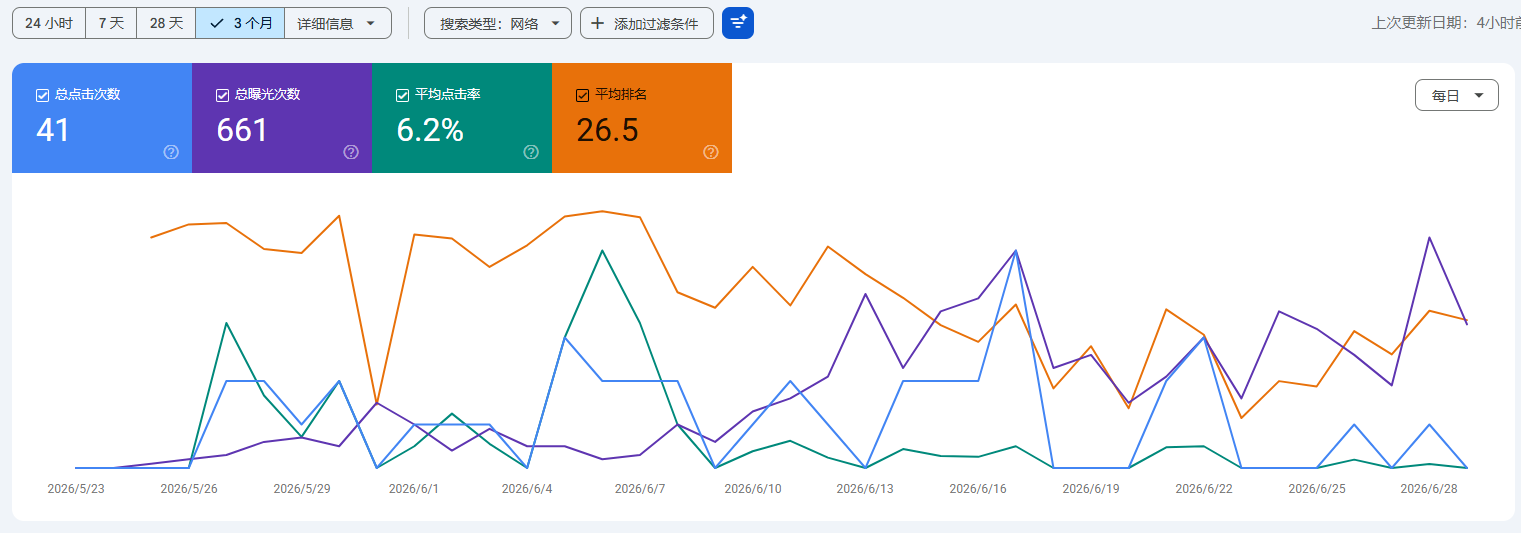
I run an auto parts export website called jjradiator.com. It has over 15,000 product records — part numbers, fitment data, specifications, images.
I am not a programmer. I am a licensed TCM (Traditional Chinese Medicine) practitioner who builds this site after work using AI tools.
This is how I turned a 500-page PDF catalog into a working product database for less than the price of a coffee.
The Problem
My supplier sent me a 500-page PDF catalog. Radiators, condensers, intercoolers — thousands of SKUs with OE numbers, dimensions, and vehicle fitment data.
I needed this data in a structured format: CSV or database rows that I could import into my website.
Manual entry would take weeks. Hiring someone to do it would cost hundreds of dollars and still require me to check every row.
I decided to try AI.
The Workflow
I used two tools: Claude (for understanding the PDF structure and writing scripts) and DeepSeek (for cheaper bulk processing).
Here is the actual process:
- Sample first, batch later. I gave Claude 5 pages from the PDF and asked it to extract product data into a structured format. It took a few tries to get the right column mapping.
- Write the automation script. Once the sample worked, Claude wrote a Python script that could process the entire PDF — crop product images, extract text by section, and output CSV rows.
- Run the batch. The script processed all 500 pages. Total cost: under 5 RMB (about $1 USD) using DeepSeek's API.
- Human review. I checked the output. About 10-15% of rows had errors — wrong column alignment, missing fitment data, garbled special characters. I fixed these manually or asked AI to fix specific patterns.
Total time: about 2 weeks of after-work sessions. Total cost: under 5 RMB for the AI processing, plus my time for review and cleanup.
What Worked
- Clean PDFs are easy. If the catalog was created with proper text layers (not just scanned images), the extraction accuracy was 85-90% out of the box.
- Batch processing is cheap. DeepSeek's pricing made it feasible to process hundreds of pages without worrying about cost.
- One script, repeatable results. Once the script worked, I could run it on new catalogs from the same supplier with minimal changes.
What Did Not Work
- Scanned PDFs are hard. If the catalog was just images (no text layer), the AI had to OCR each page. Accuracy dropped to 60-70%. Manual correction became unavoidable.
- Complex layouts break extraction. Some pages had multi-column layouts, tables within tables, or inconsistent formatting. The script would misalign columns or merge data from adjacent rows.
- AI cannot verify business logic. The script could extract "Radiator for Toyota Camry 2018-2022" but could not tell me if that fitment was correct. I still had to cross-reference with my supplier's other documents.
The Honest Takeaway
AI made this project possible for someone like me — no coding background, limited budget, working after hours. It did not make it effortless.
The real workflow is:
- AI does the heavy lifting (extraction, formatting, batch processing).
- You do the quality control (spot-checking, fixing edge cases, verifying business accuracy).
If you expect AI to produce perfect output from messy input, you will be disappointed. If you use AI to get 80% of the way there and handle the last 20% yourself, it works.